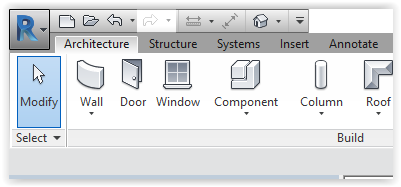
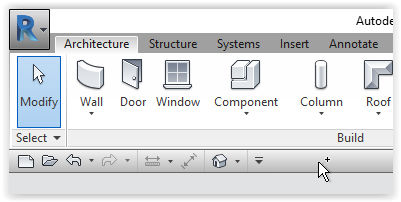
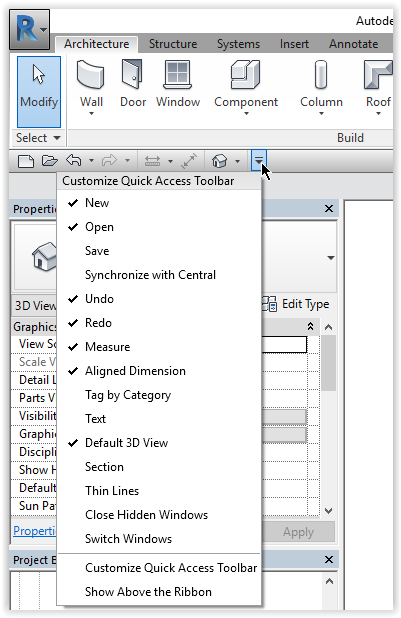
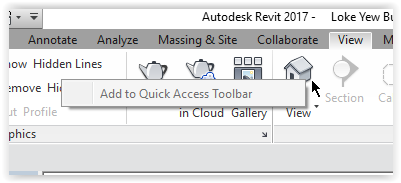
Printer-friendly version Go to End Position The toolbar can be above the ribbon: or below the ribbon: To customize Left-click the pull down icon: To add choices Hoover over the desired ribbon tab > Right-click > Left-click: Add to Quick Access Toolbar: (First posted: 31/3/2017) End of Page Book traversal links for Use quick access toolbar ‹ Start Revit Up Understand some terms ›